

A little space.
A lot of possibility.
Your Markdown notebook for Mac, iPad, and iPhone.
Write freely. Find your flow. Keep every meaningful version.
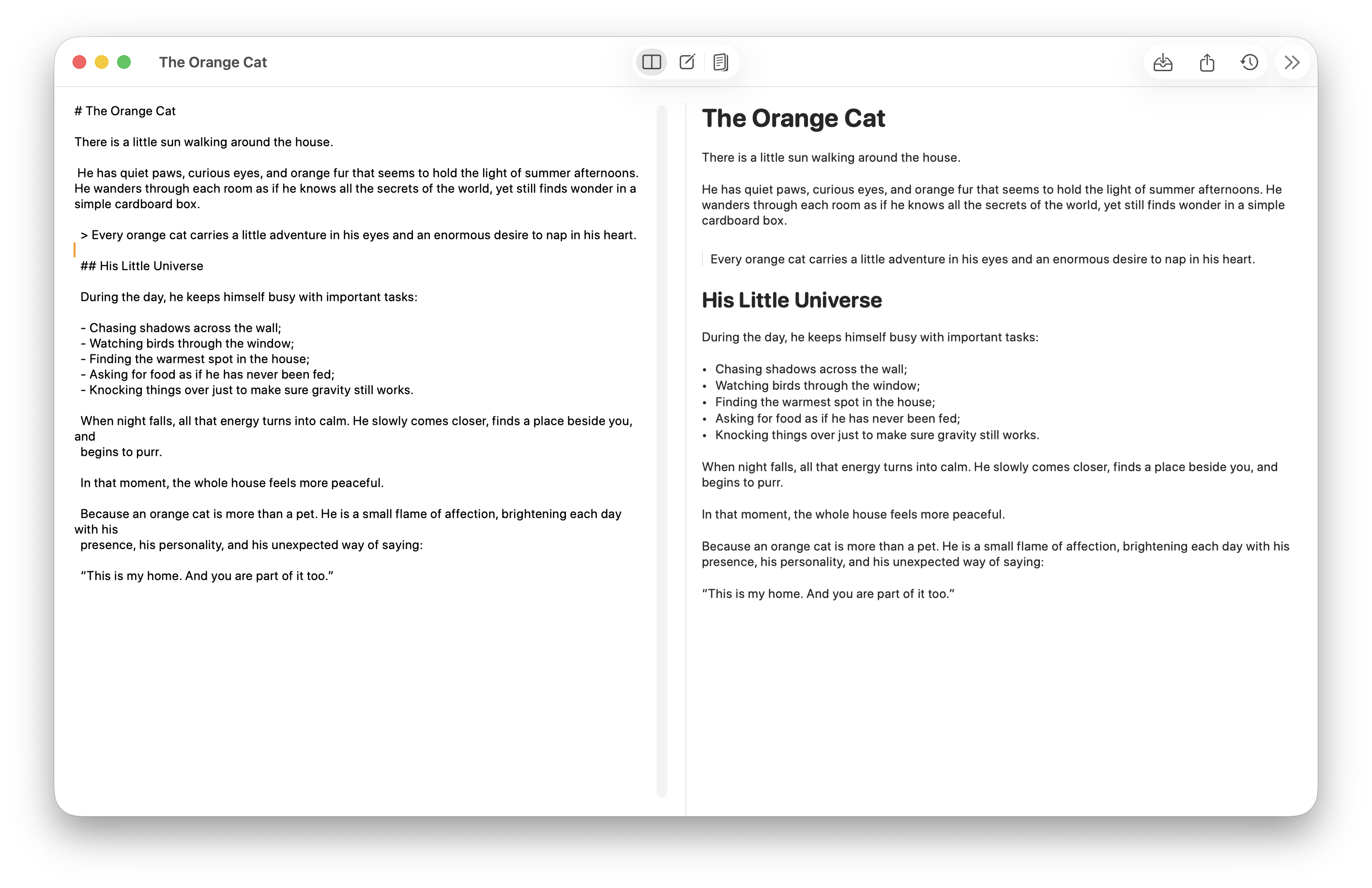
A native app. A familiar feeling. Room to think.
Less friction.
More room to think.
From a passing thought to a project taking shape, Orange Cat keeps your words at the center. A native notebook, with the tools you need right where you need them.
Just you.
And your words.
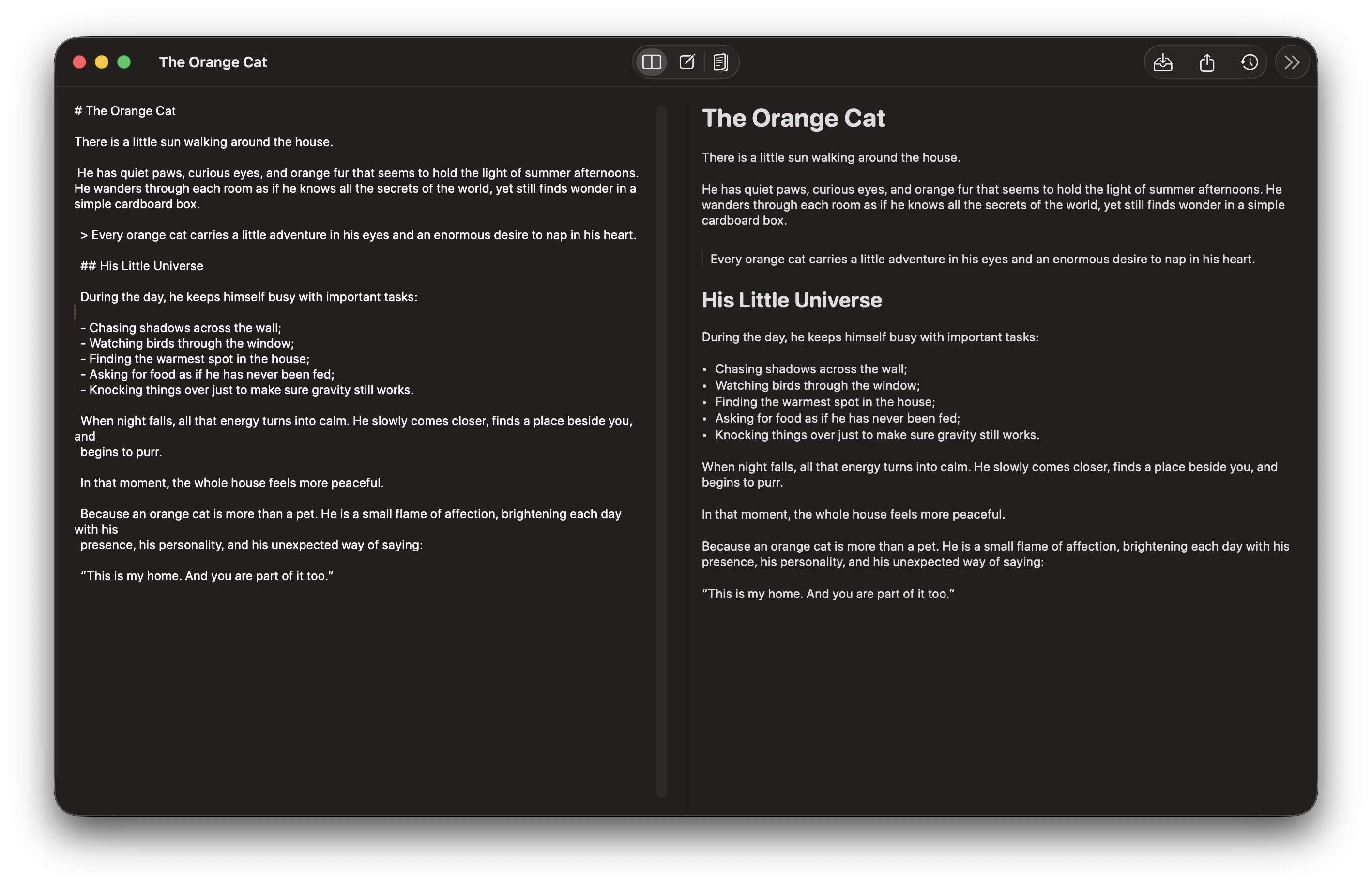
Write in Markdown and see your ideas take shape. Keep the preview beside your draft, focus on the source, or settle into reading.
- Headings, lists, quotes, and tasks
- Code blocks, tables, and images
- Three views, one familiar workspace
A blank page.
Or a head start.
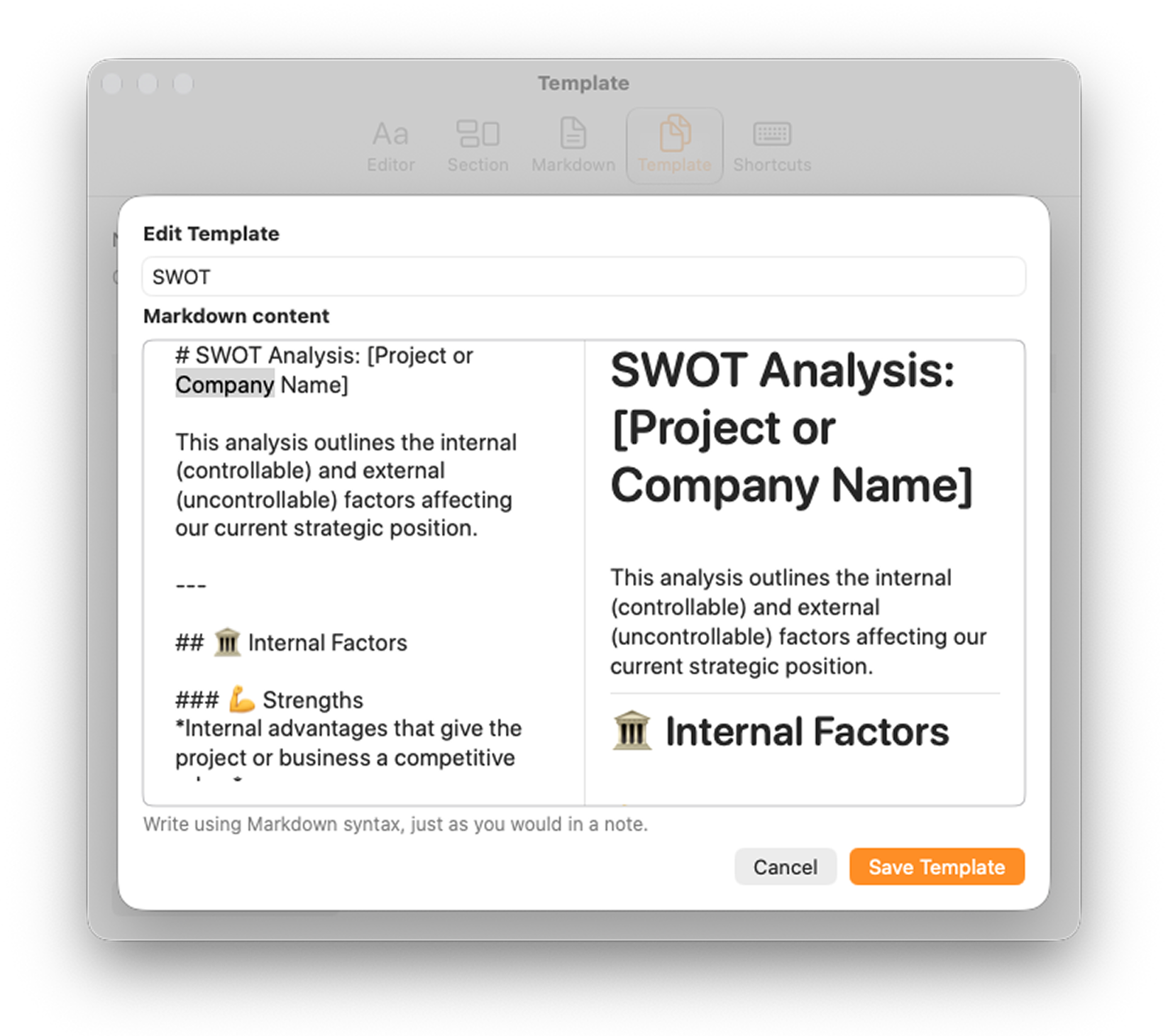
Some ideas need an open page. Others need a little structure. Create your own Markdown templates and choose how every new note begins.
- Start blank or use a default template
- Create and edit your own templates
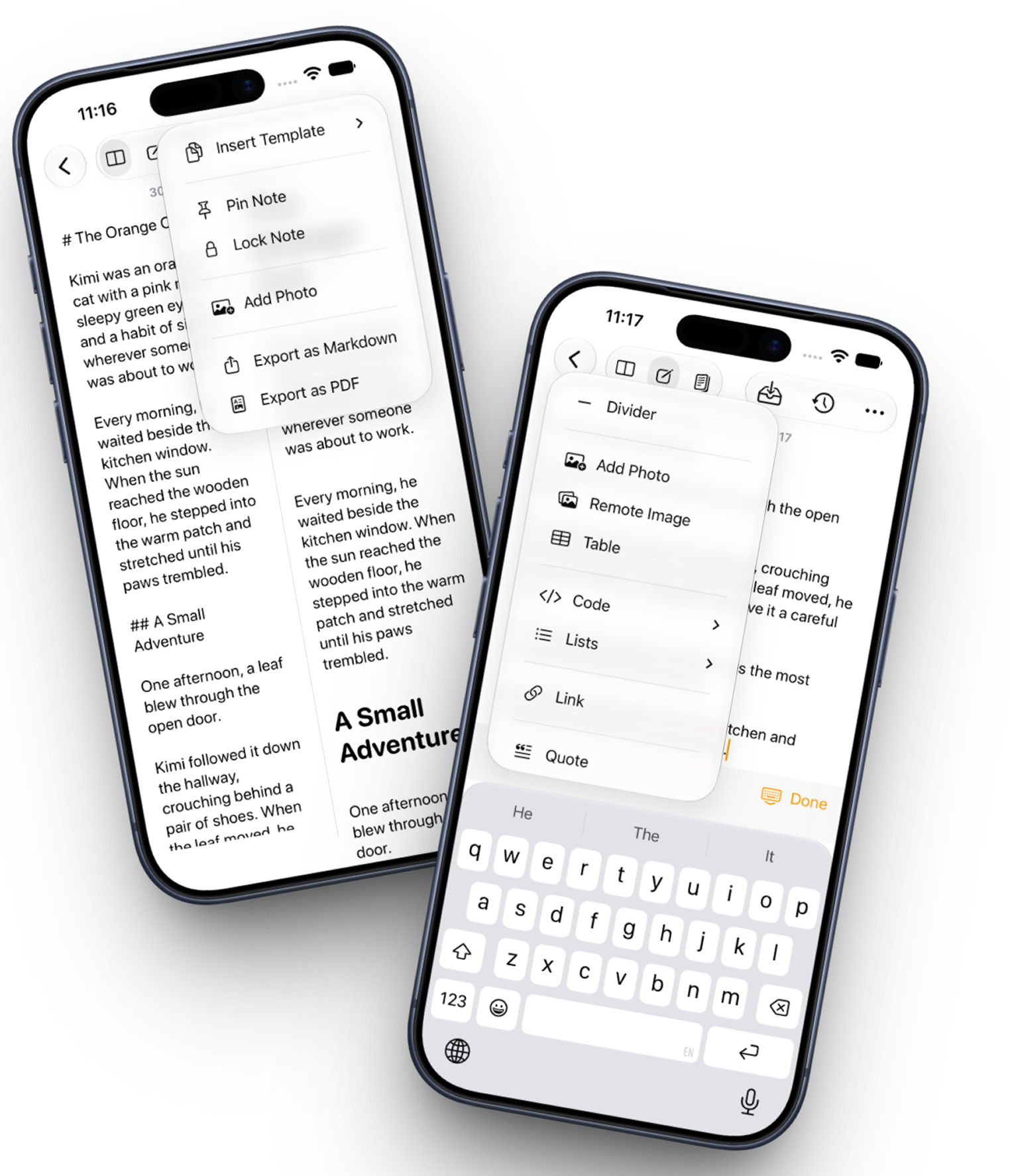
- Insert a template anytime while editing
Your structure.
Right where you need it.
Add a template at your editing position, keeping the rest of your note. A meeting agenda, a project outline, or your next idea can begin right in the middle of the page.
Good ideas evolve.
Keep their story.
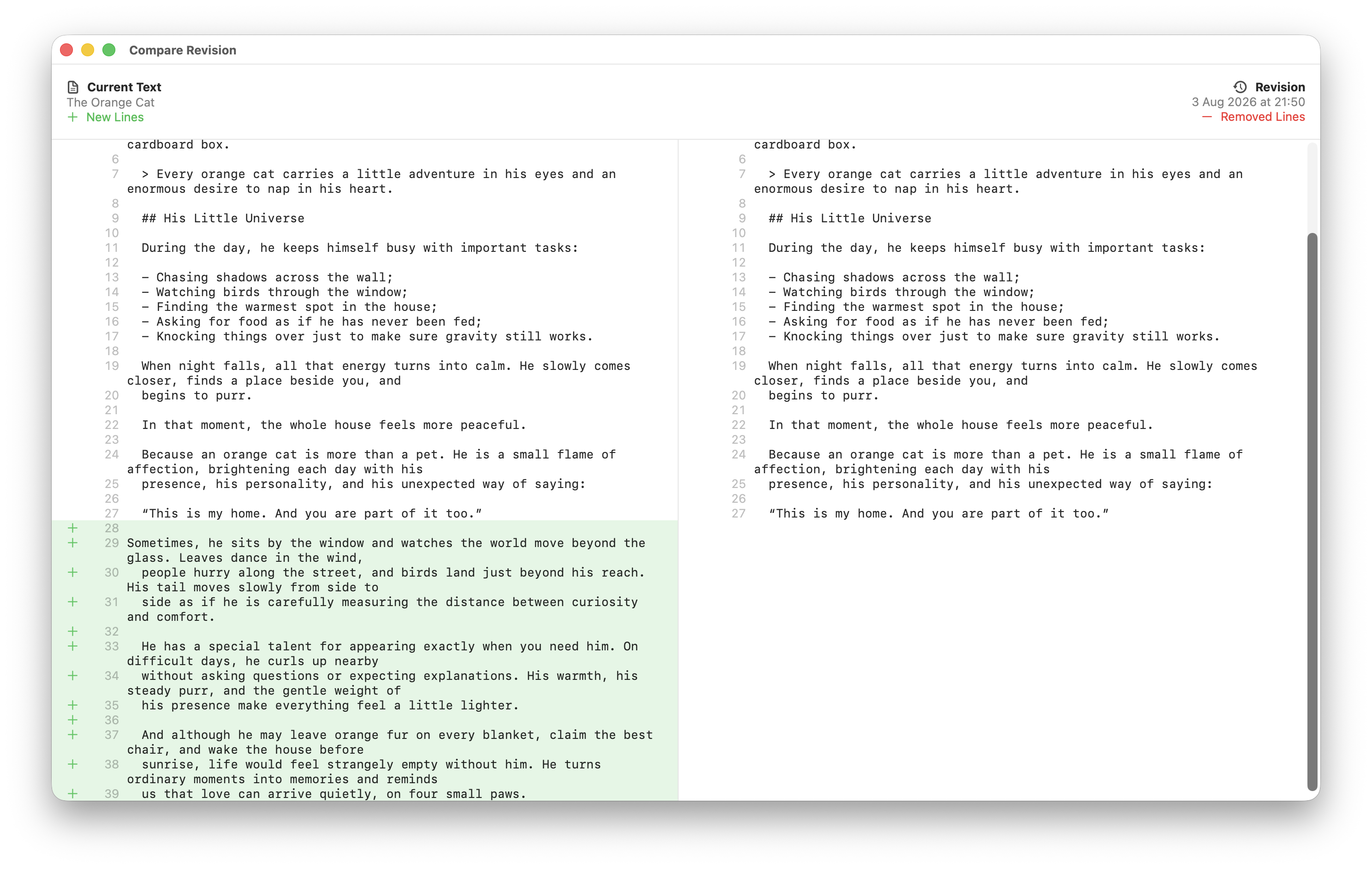
Save a revision when it matters. Let automatic revisions catch meaningful changes along the way. Then look back and see exactly what changed.
Automatic + manual
A history that follows your writing rhythm.
Every change, in view
+ Added− Removed
A little perspective
Compare versions and follow the path of an idea.
Everything in
its own place.
Find a note by what you remember, without worrying about Markdown syntax. Keep recent work close and group notes by month.
- Search the full content of your notes
- Keep recently updated notes at hand
- Export your words as Markdown
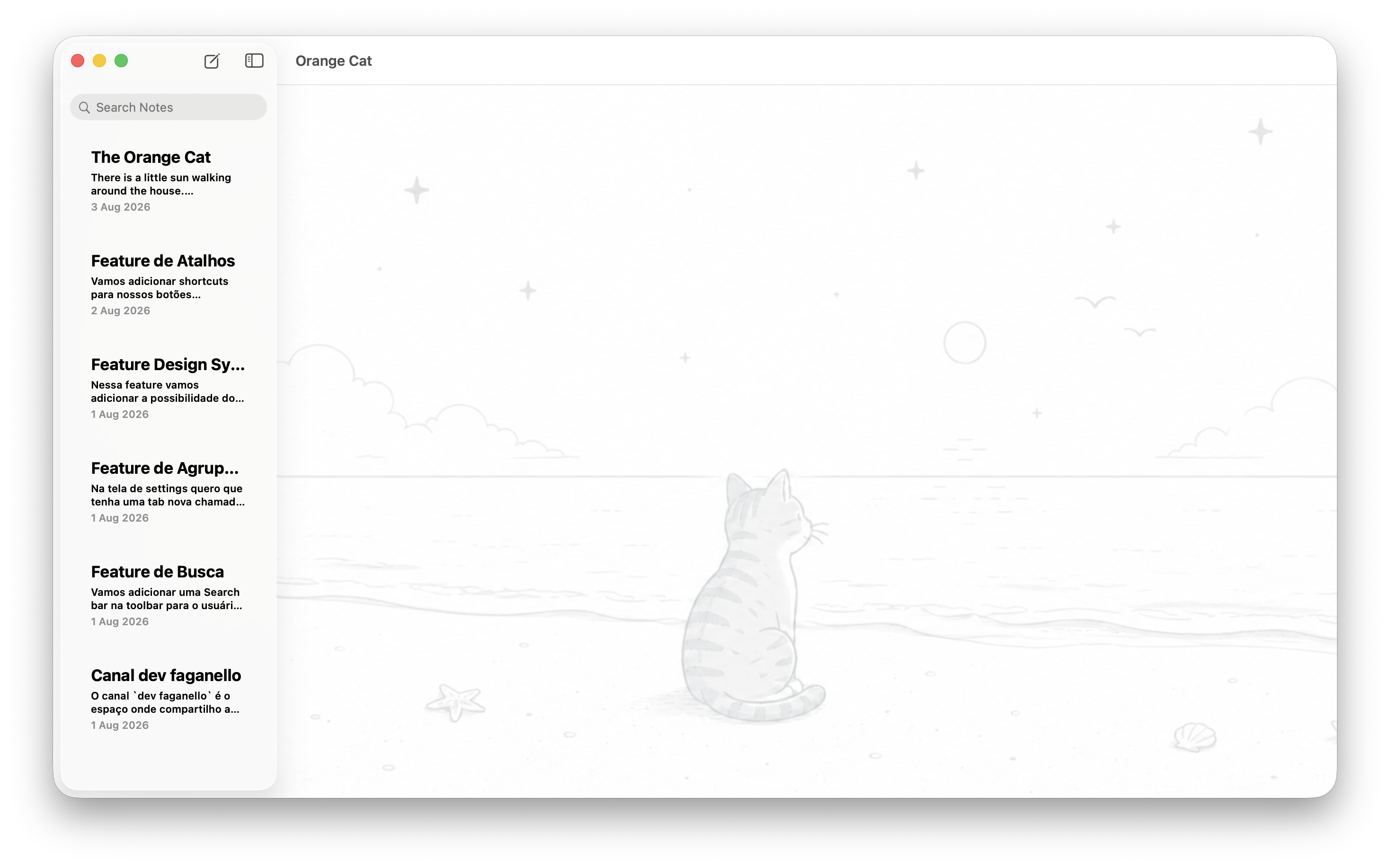
Make yourself at home.
Familiar controls, light and dark appearances, and typography that fits the way you like to read. Orange Cat feels right at home on your devices.
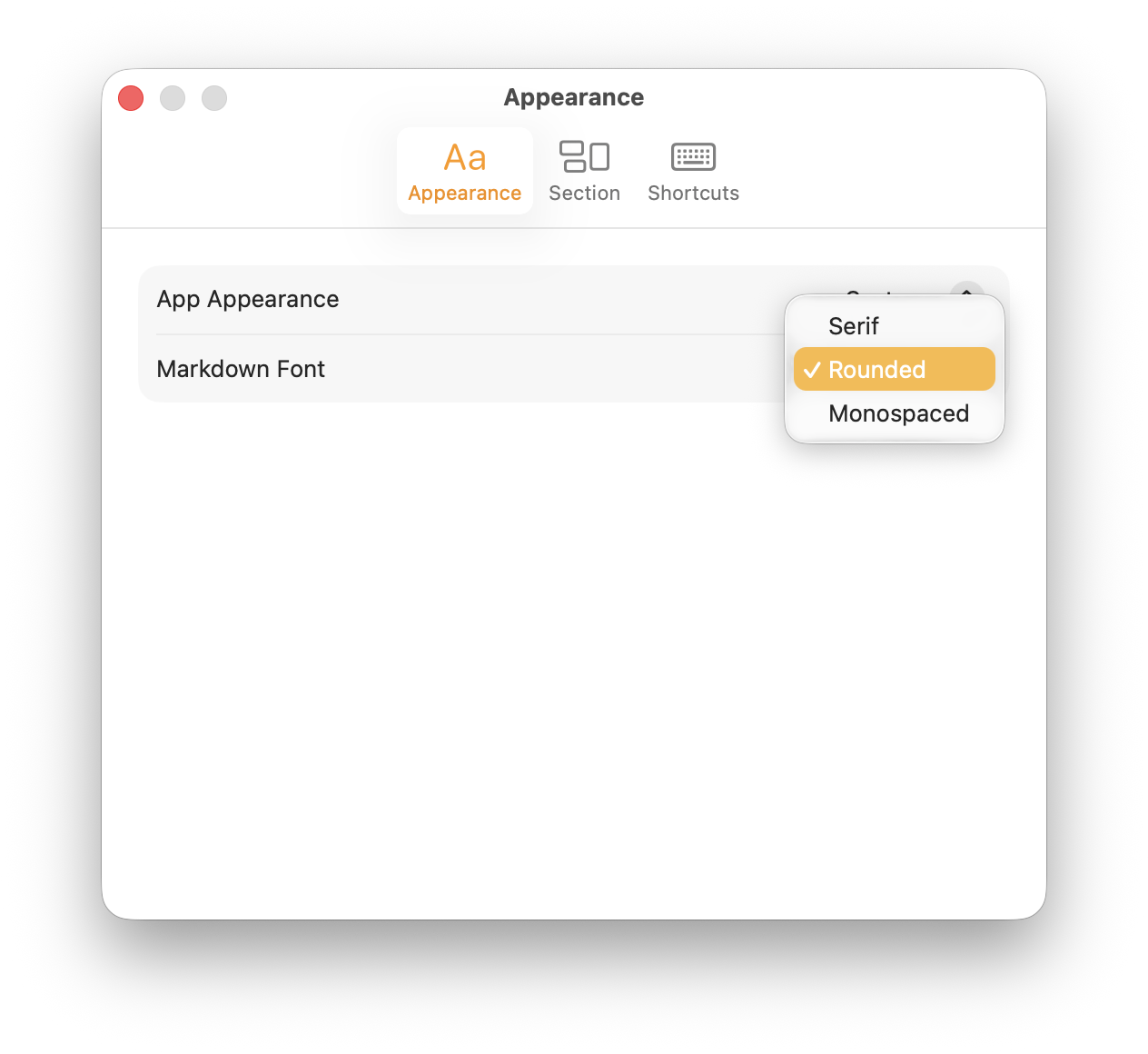
A shortcut to your flow.
- Search⌘ F
- New note⌘ N
- Split view⌘ 1
- Editor only⌘ 2
- Reading mode⌘ 3
- Revisions⌘ R